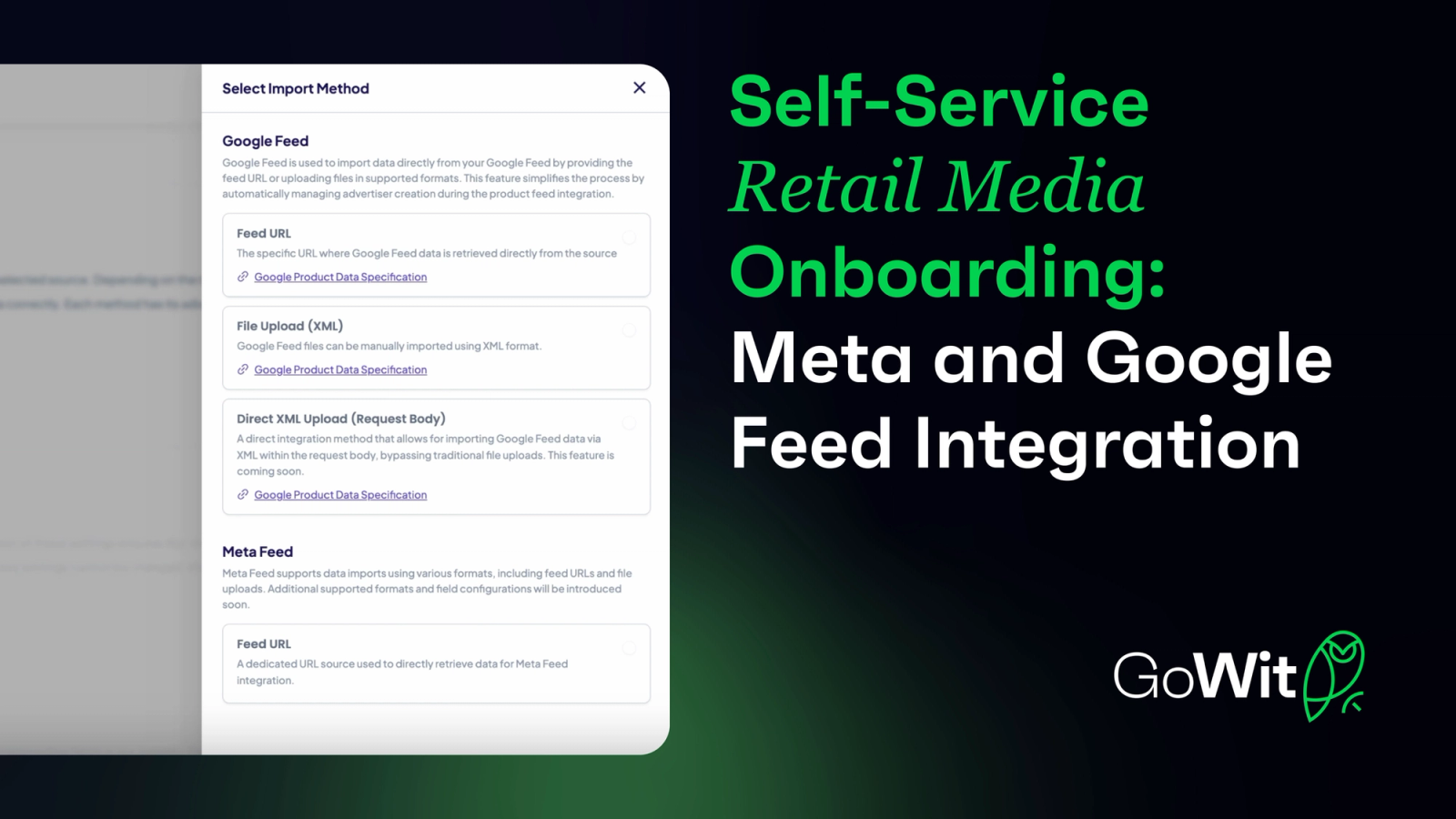
The Retail Media boom is here, and it is undeniable. Globally, there are currently over 250 retail media networks with unique and innovative features. These innovations have set a new standard for what ad infrastructure can achieve, offering retailers, marketplaces, and delivery apps the opportunity to generate a new revenue source with 70-90% profitability margin.
Yet, despite this boom, retailers still struggle with time-to-market delays caused by complexity in integration and onboarding processes. Teams responsible for technical integrations are often frustrated with manual processes, developer resources and time-consuming setups.
At GoWit, we are building the world's first Self-Service Retail Media Integration and Onboarding to empower retailers with seamless, rapid and free ad infrastructure setup. A critical component of it is our new Meta and Google Feed Integration.
Benefits of Google and Meta Feed Integration
1. Completely Self-Service
- Users can complete the integration independently, reducing reliance on support teams or developers.
2. No Developer Needed
- As a no-code process, the feed integration does not require any technical resources from your team.
3. Instant Product Integration
- Integration happens in seconds just paste your Google or Meta feed URL, and you’re ready to go.
4. Manageable Feed Mapping
- Complete control over field mapping, including IDs, titles, and descriptions.
- Visual transparency ensures seamless alignment of your product data with GoWit’s platform.
5. Real-Time Monitoring and Logs
- Stay informed about the integration process with detailed logs showing successes and errors.
How It Works: Step-by-Step Guide
You can follow the steps below or watch our quick demo videos for a step-by-step walkthrough:
• Google Feed Integration Video
Steps:
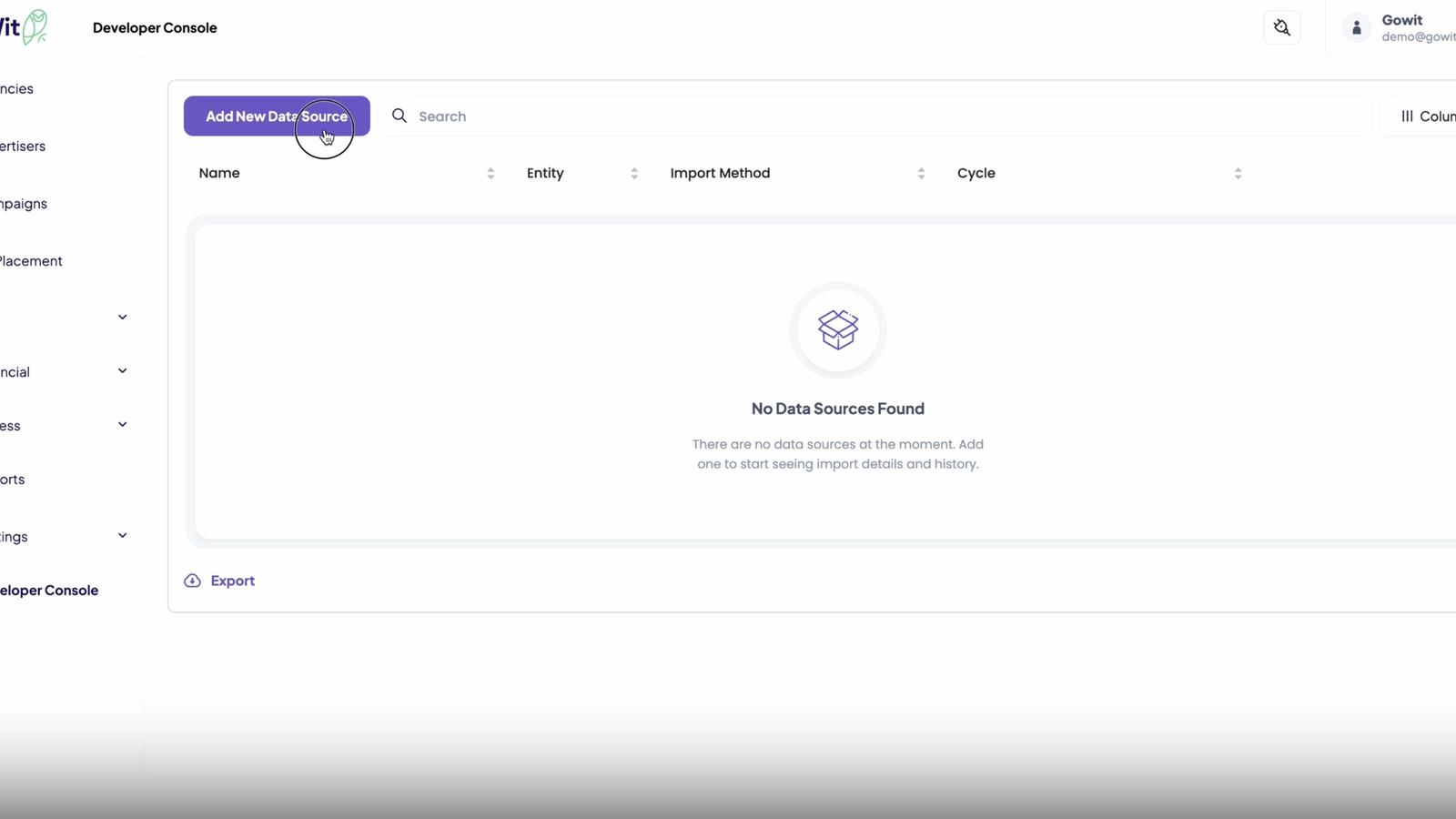
Step 1: Access the Developer Console
Navigate to the Developer Console and click “Add New Data Source.”
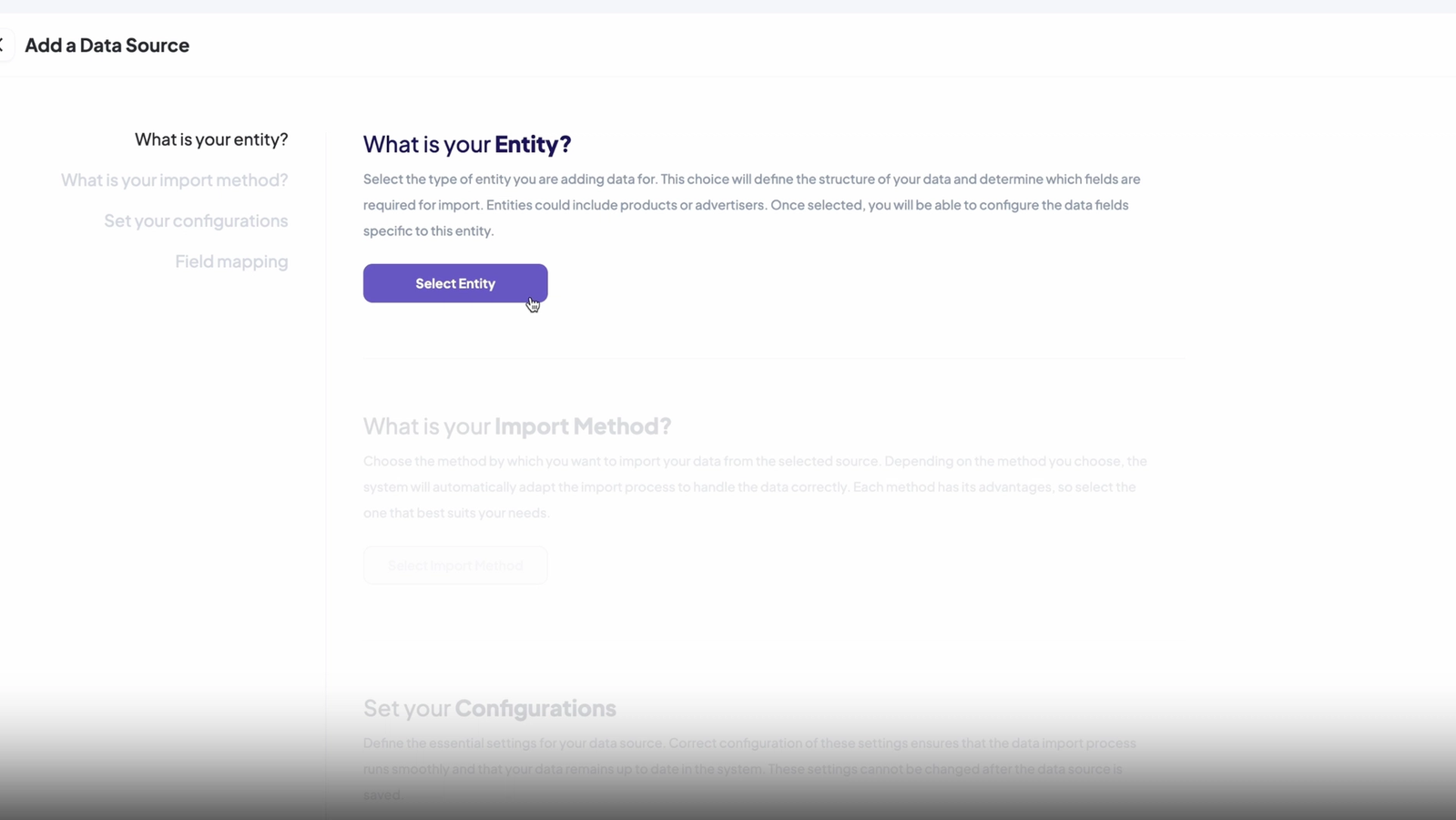
Step 2: Define Entity Type
Choose whether you’re uploading a Product or Advertiser entity. Helpful in-app videos explain each entity type.
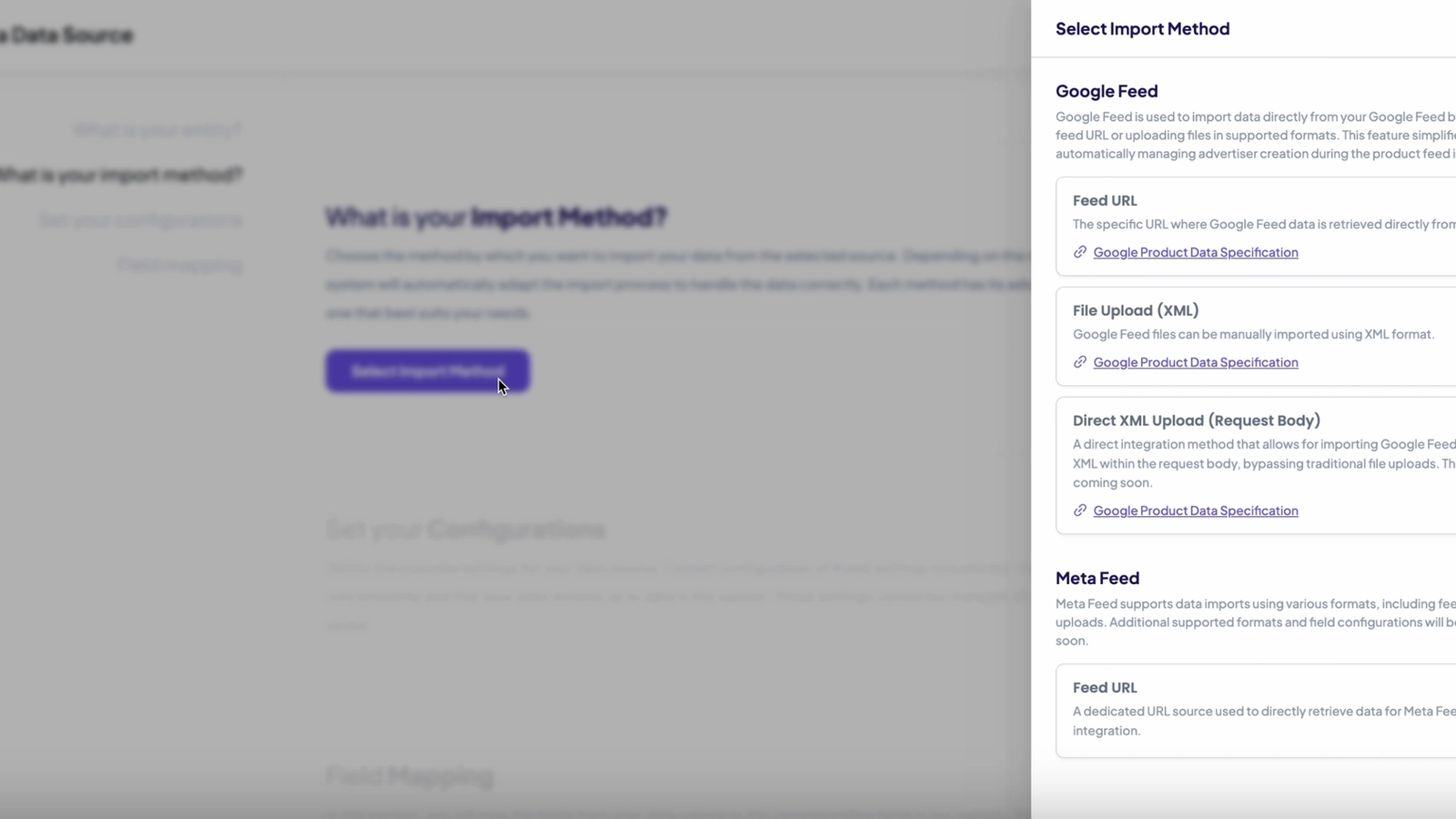
Step 3: Select Import Method
Choose between Google Feed or Meta Feed methods for data upload.
Step 4: Configure Settings
- Enter a name for your data source.
- Copy and paste your feed URL.
Set the fetch cycle to determine how often GoWit updates your product data.
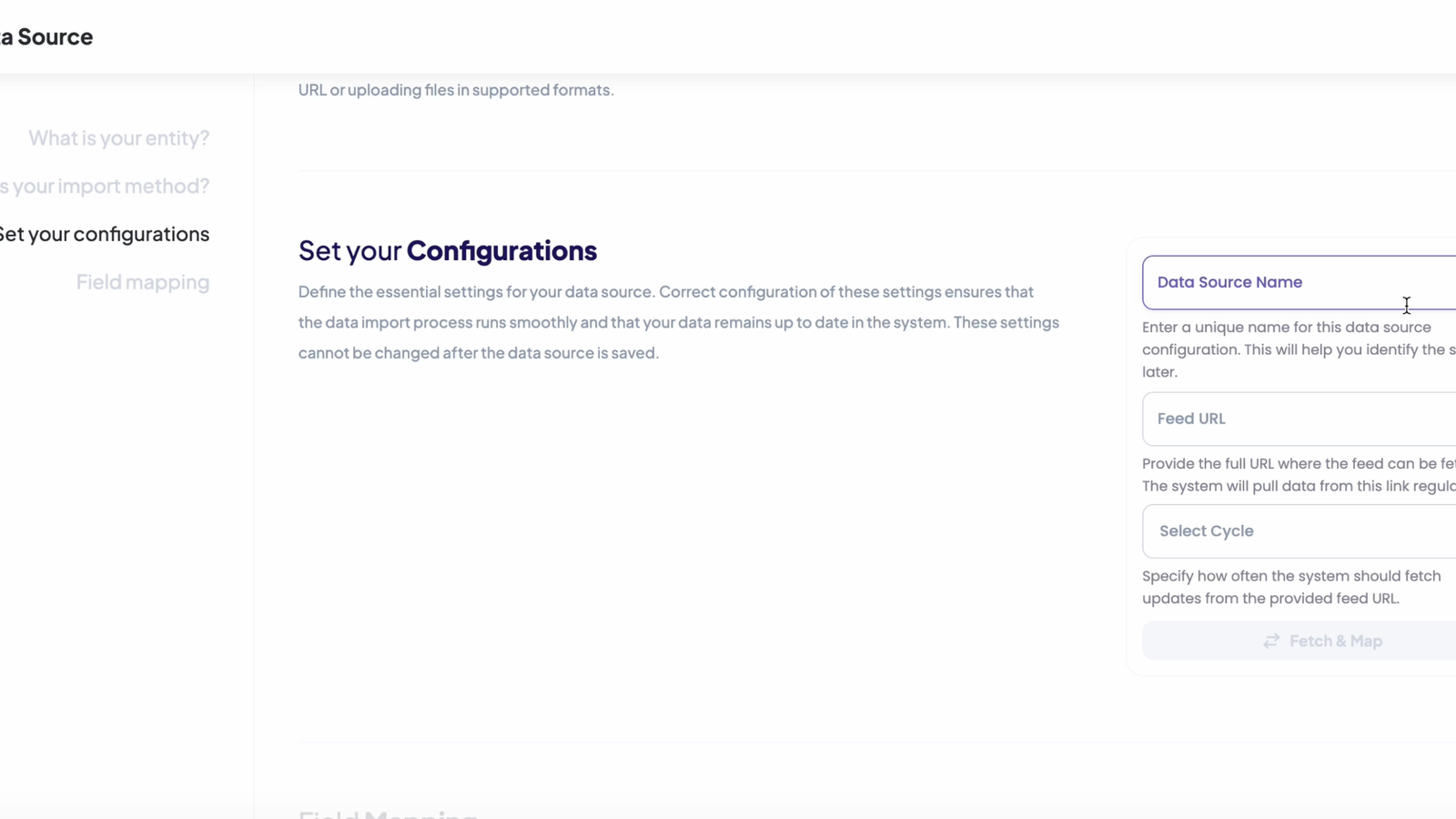
Step 5: Configure Settings
- Click “Fetch Map” to preview and adjust how your product fields (ID, title, description) align with GoWit’s system.
- Validate the mapping to ensure accuracy.
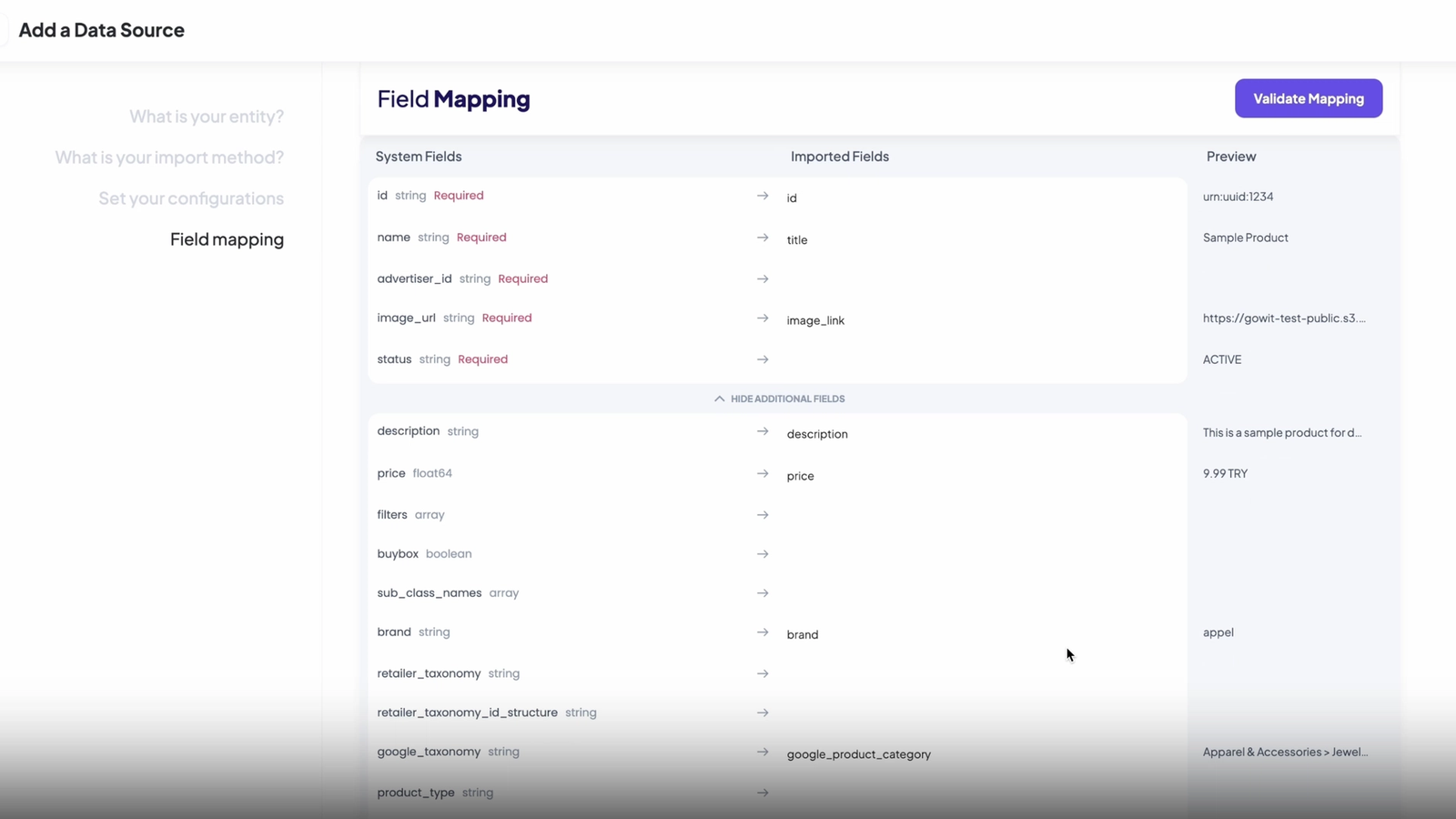
Step 6: Finalize
- Save and create your data source.
- Use the Logs to track progress and resolve any errors.
Done!
Your data source is now ready. Check the Developer Console to confirm successful integration.